Most ergonomic advice is a list of measurements. The measurements are fine; the problem is that people apply them in the wrong order, adjust the monitor before the chair, and end up chasing the setup around in circles.
There is a correct sequence and it takes about ten minutes.
Step one: the chair, ignoring the desk entirely
Set the seat height so your feet are flat on the floor and your thighs are roughly parallel to it, with your knees at about ninety degrees. Do this without reference to the desk.
Set the backrest so the lumbar support meets the inward curve of your lower back. If the seat pan is adjustable in depth, leave two or three fingers between the front edge and the back of your knee.
This is the fixed point. Everything else adjusts to the chair, not the other way round.
Step two: the desk to your elbows
Sitting as above, let your arms hang and bend at the elbow to ninety degrees. That height is where the desk surface should be. For most adults it is between 28 and 30 inches, which is why fixed desks cluster there.
If the desk is too high and cannot be lowered, raise the chair and use a footrest. Do not simply raise the chair — hanging feet load the back of the thighs and are the most common cause of discomfort in an otherwise reasonable setup.
If the desk is too low, raise it on risers. Working at a too-low desk drops the shoulders forward and is harder to fix downstream than any other error.
Step three: the monitor
Top of the screen at or slightly below eye level. Arm’s length away — around 20 to 30 inches for a typical monitor, more for a large one.
Tilt it back slightly so the screen face is perpendicular to your line of sight. A screen tilted forward reflects overhead lighting straight into your eyes.
For two monitors used equally, straddle the centre line. For a primary and a secondary, put the primary square in front and the secondary to one side.
Step four: keyboard and mouse
Directly in front, close enough that your elbows stay by your sides. The most common error is a keyboard pushed away to make room for paper, which pulls the shoulders forward all day.
Keep the mouse on the same plane and as close to the keyboard as possible. A mouse six inches out to the side is a small reach repeated ten thousand times.
Keyboard feet down, not up. Tilting the keyboard up extends the wrists, which is exactly what you are trying to avoid.
Sit-stand desks: the honest version
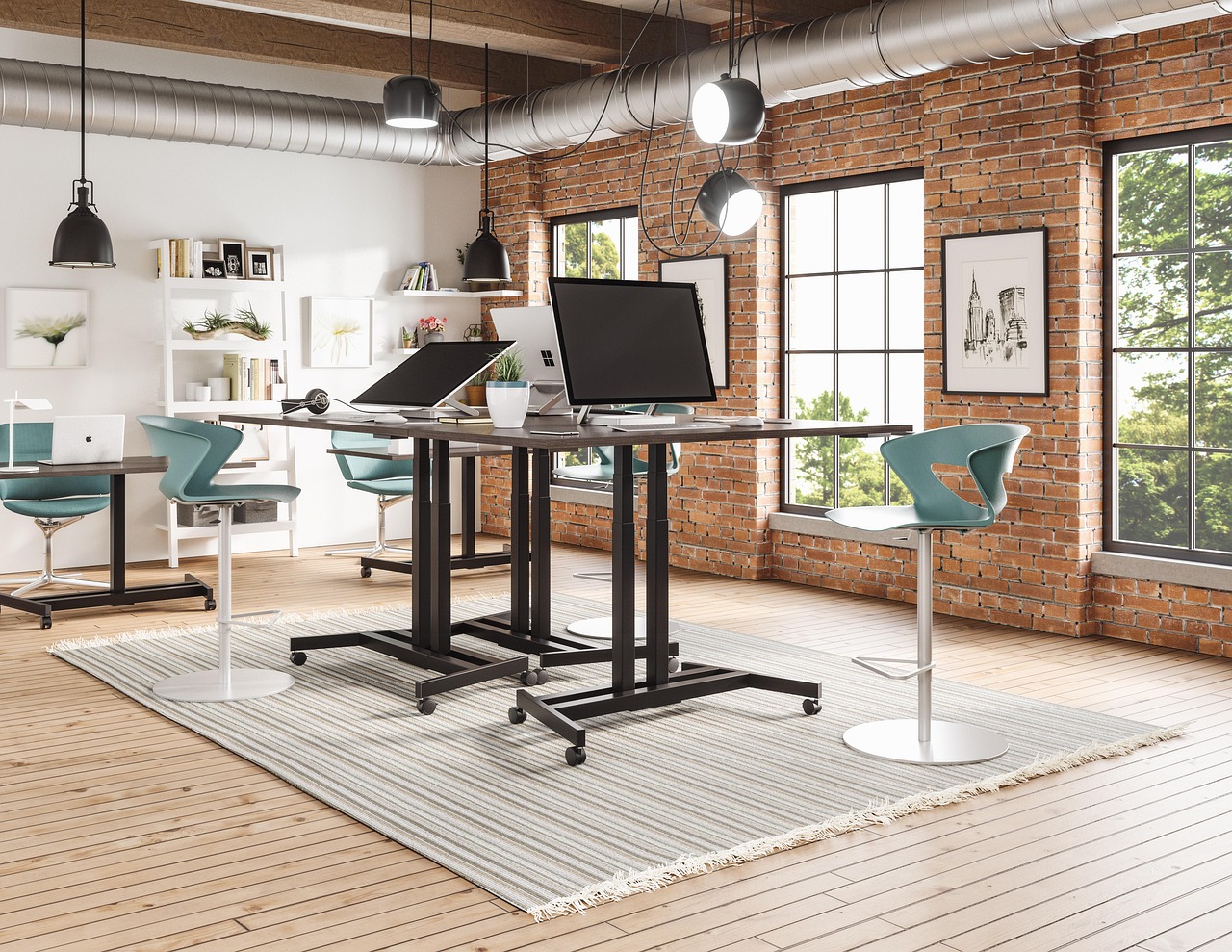
A height-adjustable desk is genuinely useful, and the useful part is the changing rather than the standing. Standing all day is not better than sitting all day; alternating is better than either.
Start with fifteen minutes standing per hour and build. Set the standing height by the same elbow rule, and expect it to be around 42 to 45 inches for most adults.
Get an anti-fatigue mat if you stand for more than half an hour at a time. Standing on a hard floor in hard shoes is why most people abandon standing desks in the first month.
Lighting, which is half of it
Screen glare and paper-reading are different problems. Position the monitor at right angles to a window rather than facing or backing onto one, and add a task lamp on the opposite side from your writing hand.
Our task lighting is in Desk Power and Lighting.
Nothing here is medical advice
If you have persistent pain, a proper assessment is worth far more than a blog post. This sequence sets up a workspace correctly; it does not diagnose anything.
All notes
Browse the full range in the shop, read the frequently asked questions, or contact us — YourChairGuy, Albuquerque, NM.